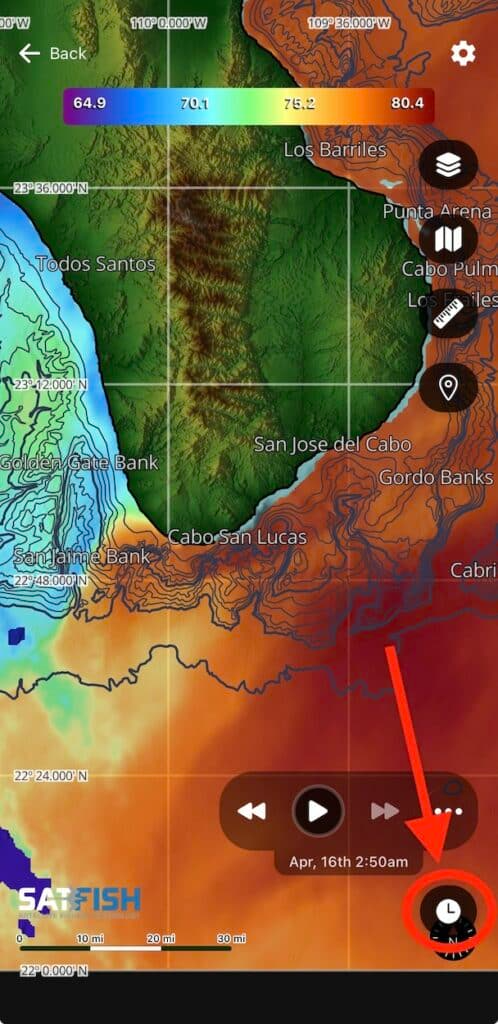
Yes, the History Playback feature is great for reviewing past conditions, finding the best image coverage, and tracking how temperature and current breaks move over time so you can better predict where fish will be.
Here is how to use it:
Video Guide:
Having trouble watching the video? Click Here to watch on YouTube
Step 1:
Tap the clock icon in the bottom right corner of the map window to expand the history playback controls.
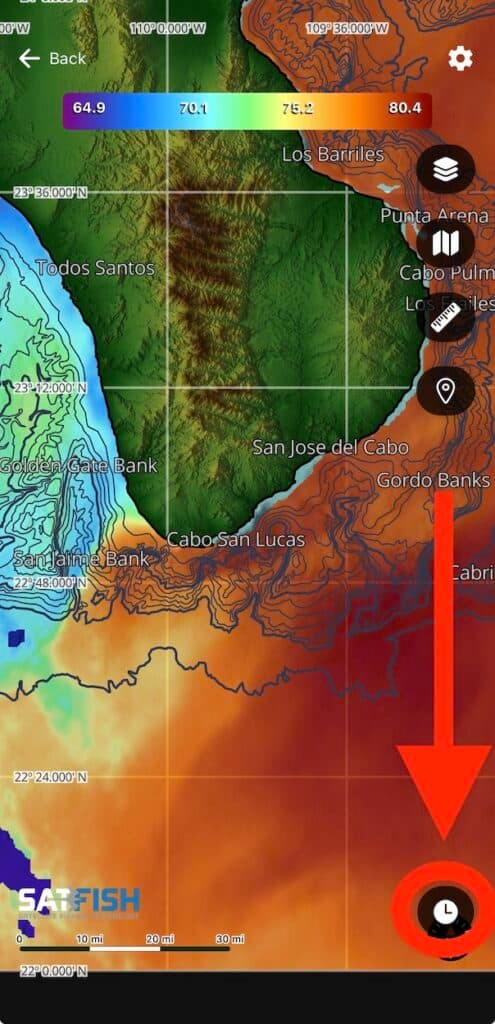
Step 2:
You can advance backward and forward through the last 7 days of the images using the double-arrow left and right buttons, or loop through all images automatically using the single-arrow play button.
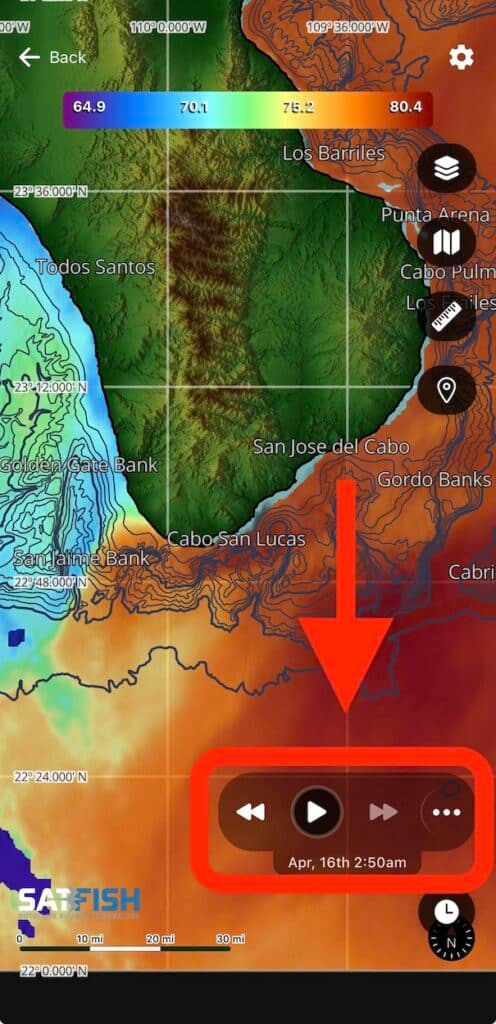
Step 3:
To view the thumbnail previews and timestamps of the full 7-day history, tap the “…” button to expand the history menu.
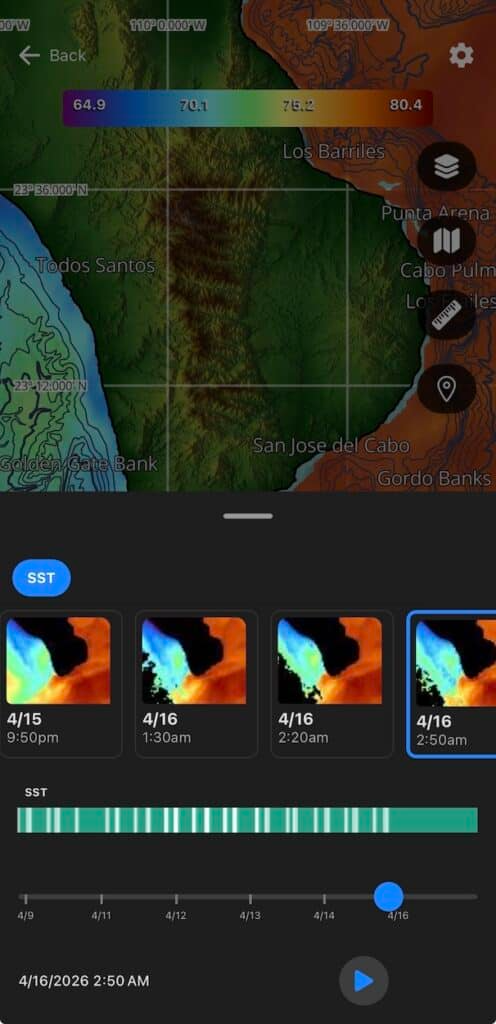
Step 4:
Drag the menu slider down to close, and tap the clock icon again to close the playback controls.