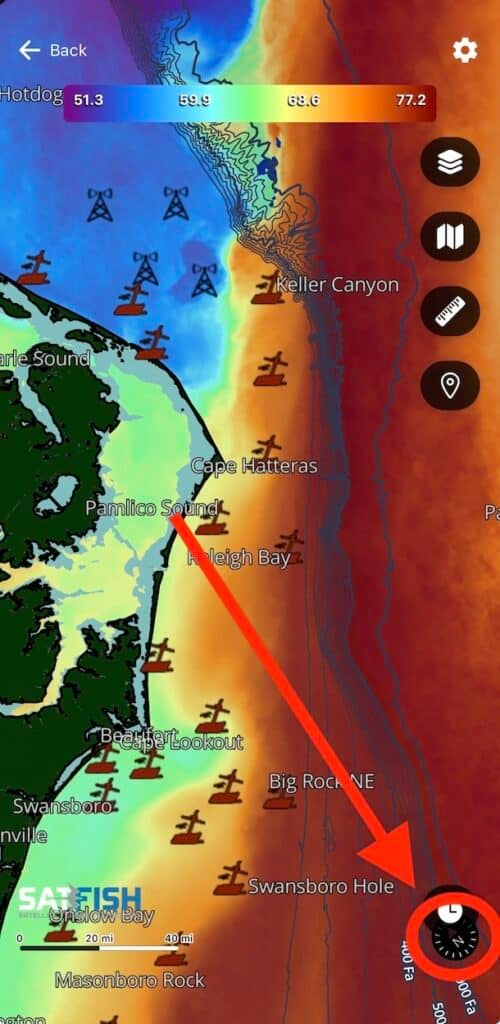
The new SatFish interface is built to move with you with effortless zoom, fluid scrolling, and a cleaner layout that lets the water speak for itself. To easily navigate this new interface, Use 2 fingers to pinch-zoom in and out on the map and rotate it around. As you zoom in, more details show up on the map (spot labels, bathy contours, Loran lines, etc.).
Watch the video below to learn how to navigate through the new interface and movement:
Having trouble with the video? Click here to watch on YouTube
To rest to North-up orientation, click the compass icon in the bottom right corner of the map window.