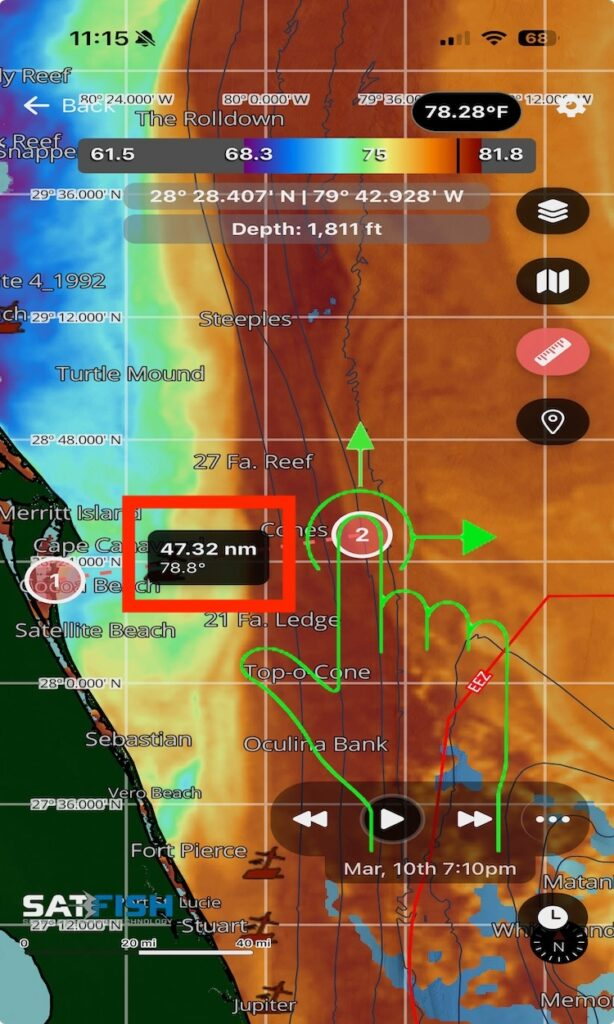
This tool allows you to measure distance and heading between points, helping you build a game plan, estimate run times and distance, and line up your approach to key areas like temp breaks or structure.
Check out this video to learn how to measure distance:
Having trouble watching the video: Watch here on YouTube
Step-by-Step Instructions:
Step 1:
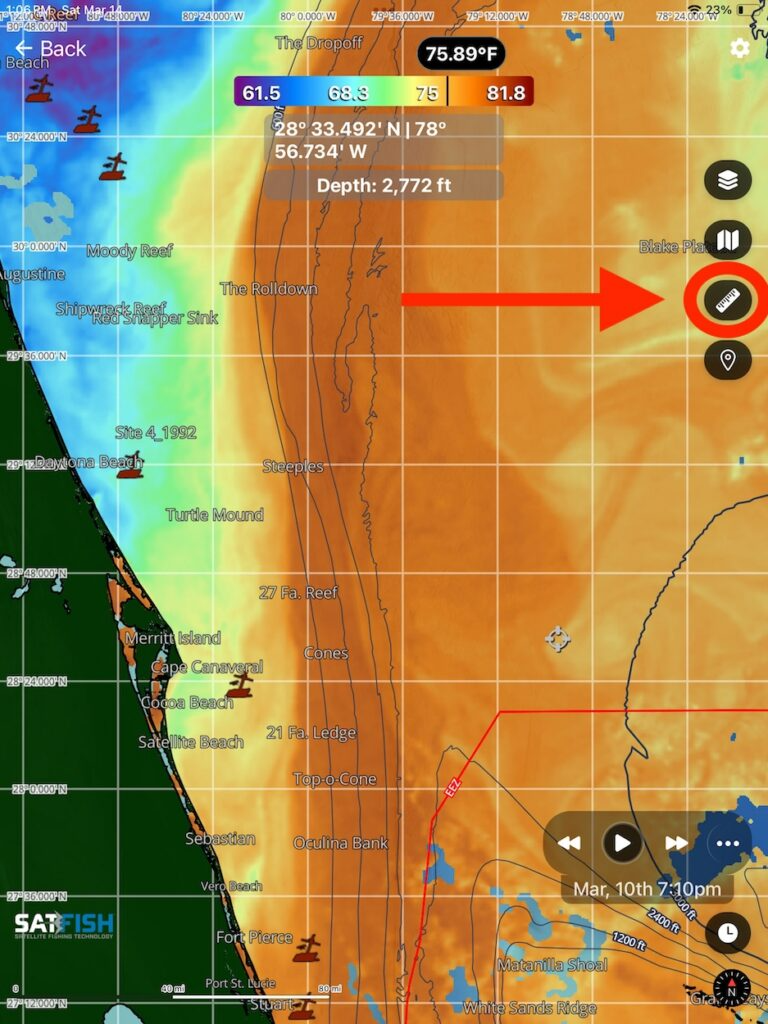
Click the ruler icon to measure the distance and heading between two points.
Step 2:
Adjust the endpoints of the measure tool by pressing and dragging the endpoints to the desired locations. This will show the distance, in nautical miles, and heading from end point 1 to end point 2.