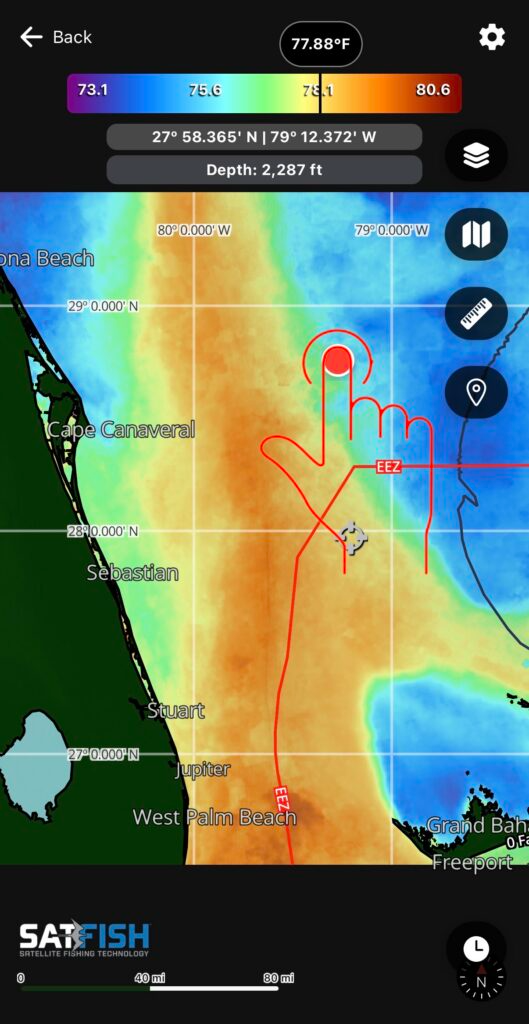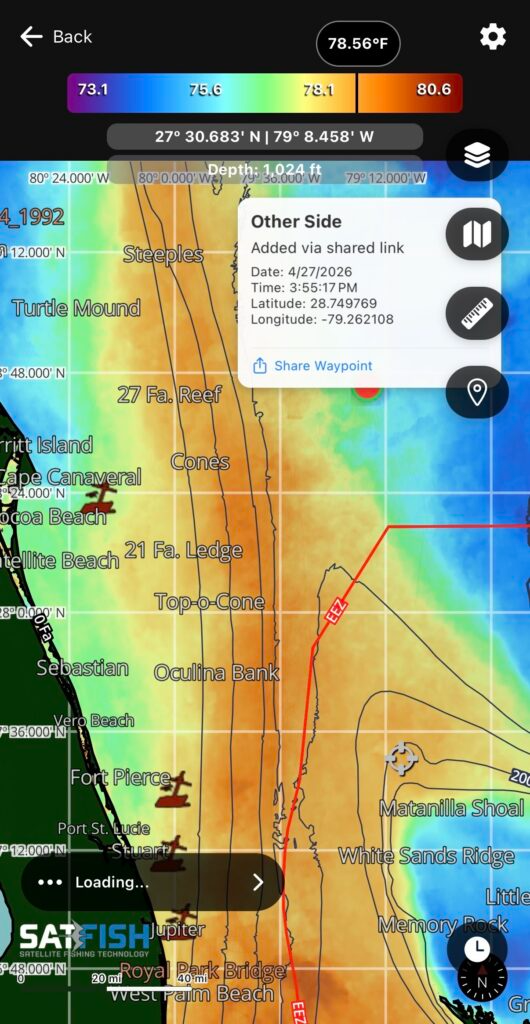
You can share and receive your own custom waypoints with your fishing buddies through a few simple steps.
Sharing Waypoints
Step 1:
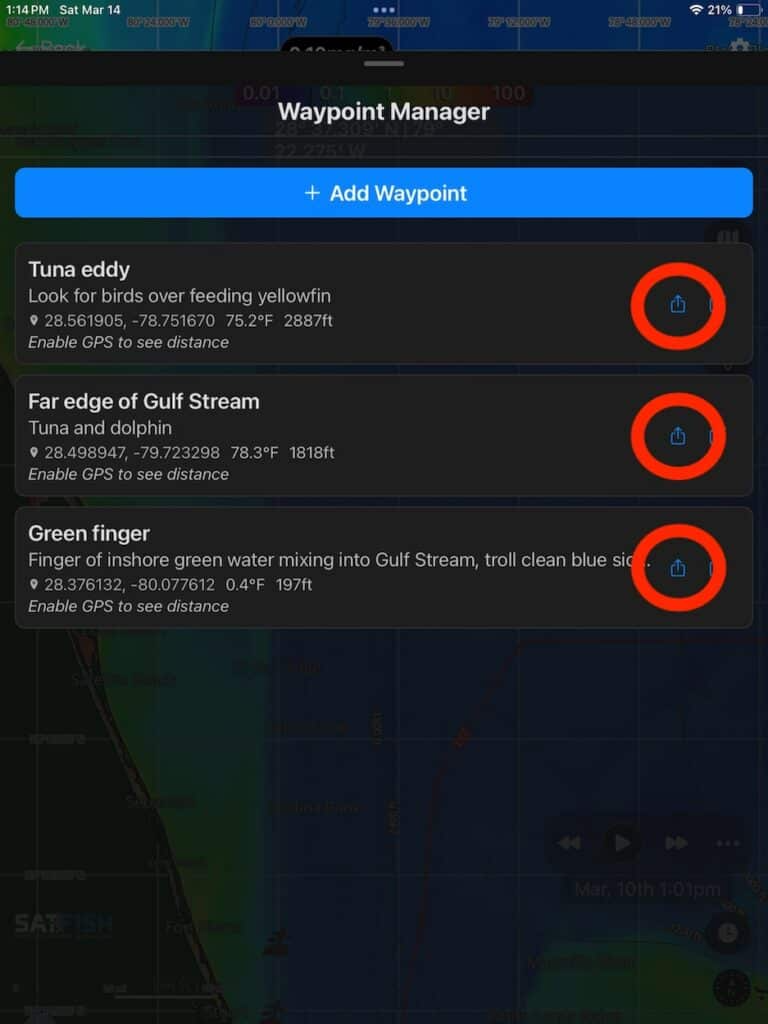
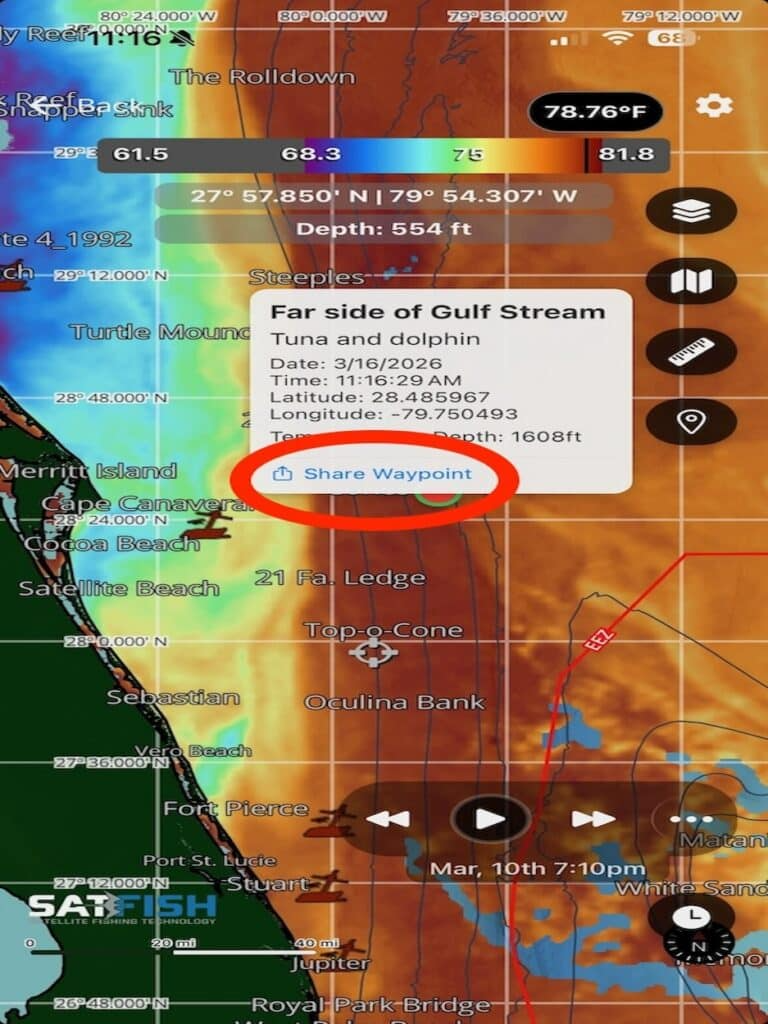
To share a waypoint, open your saved waypoints and tap the Share icon, or tap a waypoint directly on the map and select the “Share Waypoint” from the pop-up.
Step 2:
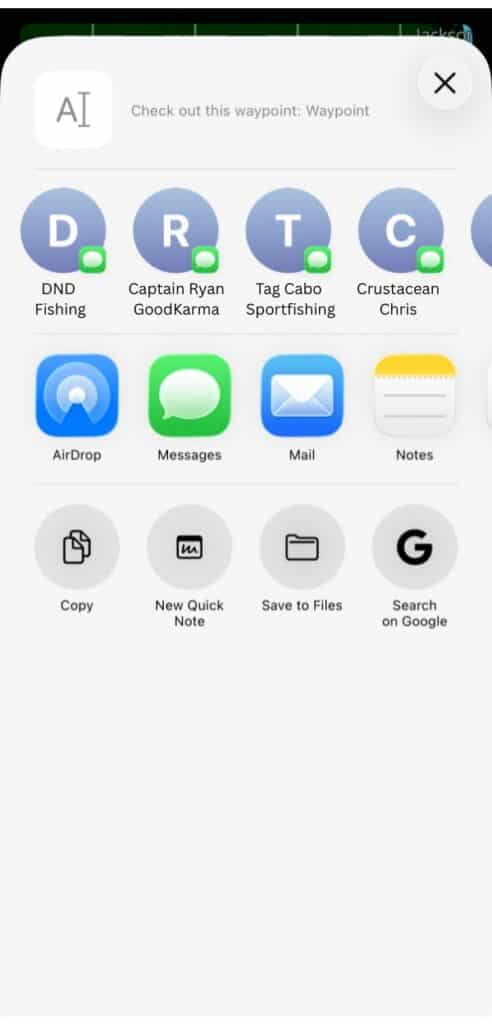
Share your waypoints with friends or yourself by copying the link and sending it via text or email.
Receiving Waypoints
Step 1:
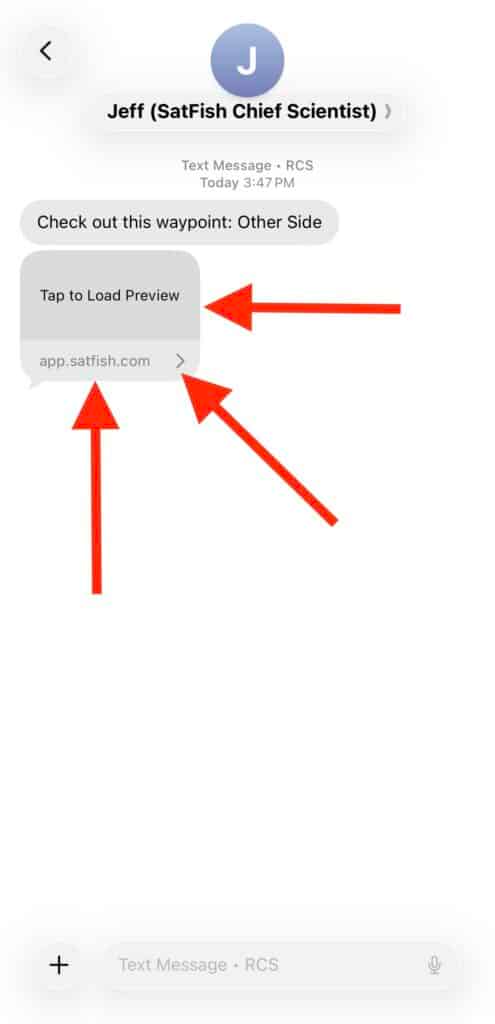
Did you get a text or email from your buddy with a spot to check out? Great! Start by tapping the link in the text/email to open a preview. It’s got a link to install the SatFish mobile app, if you haven’t already. We recommend logging into the app before trying to add a shared waypoint.
Step 2:
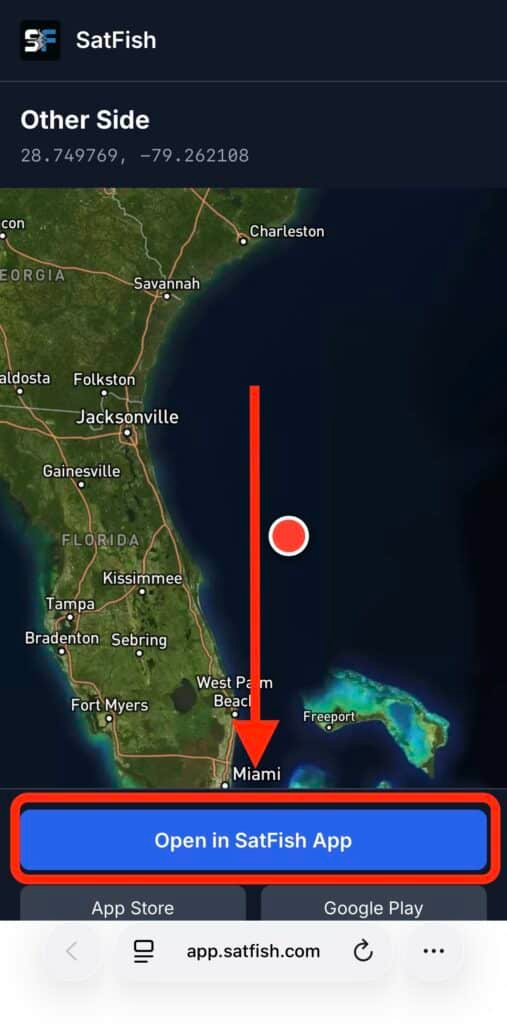
Tap the “Open in SatFish app” link from the map preview.
Step 3:
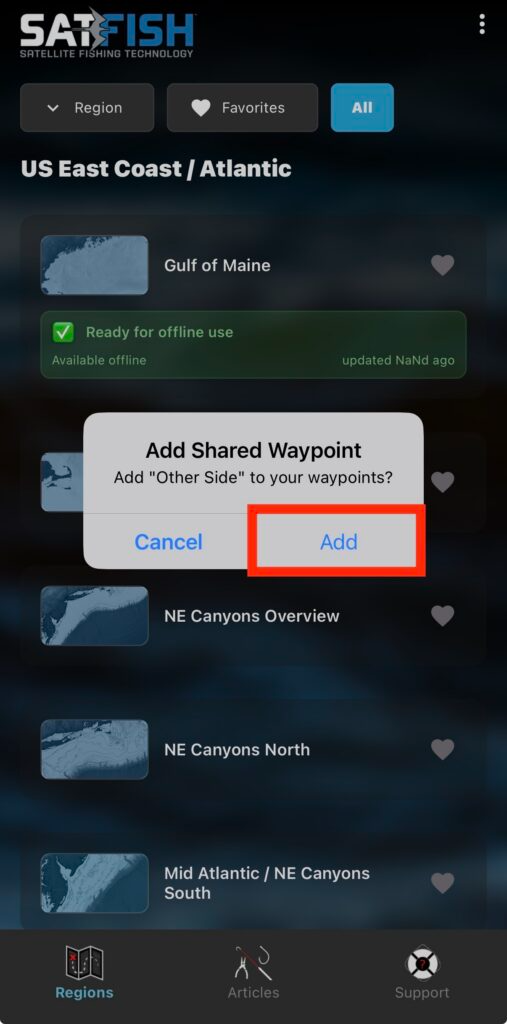
Tap “Add” when prompted to “Add Shared Waypoint” to add it to your map
Step 4:
Open the region where the waypoint was shared. You’ll now see the shared waypoint(s) in that area, along with your own waypoints displayed as large red dots.
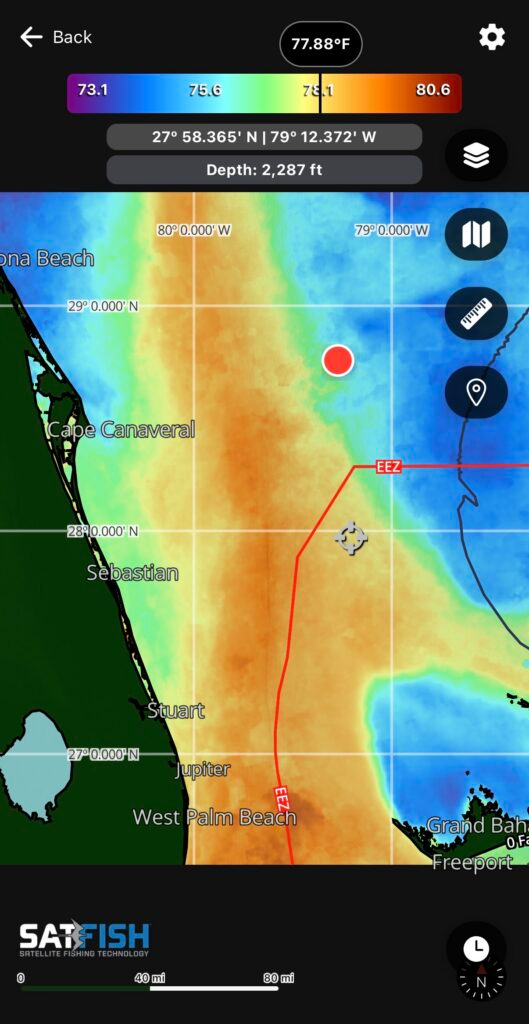
Step 5:
Click the waypoint (large red dot) to see the name, description, and other information of the shared waypoint.